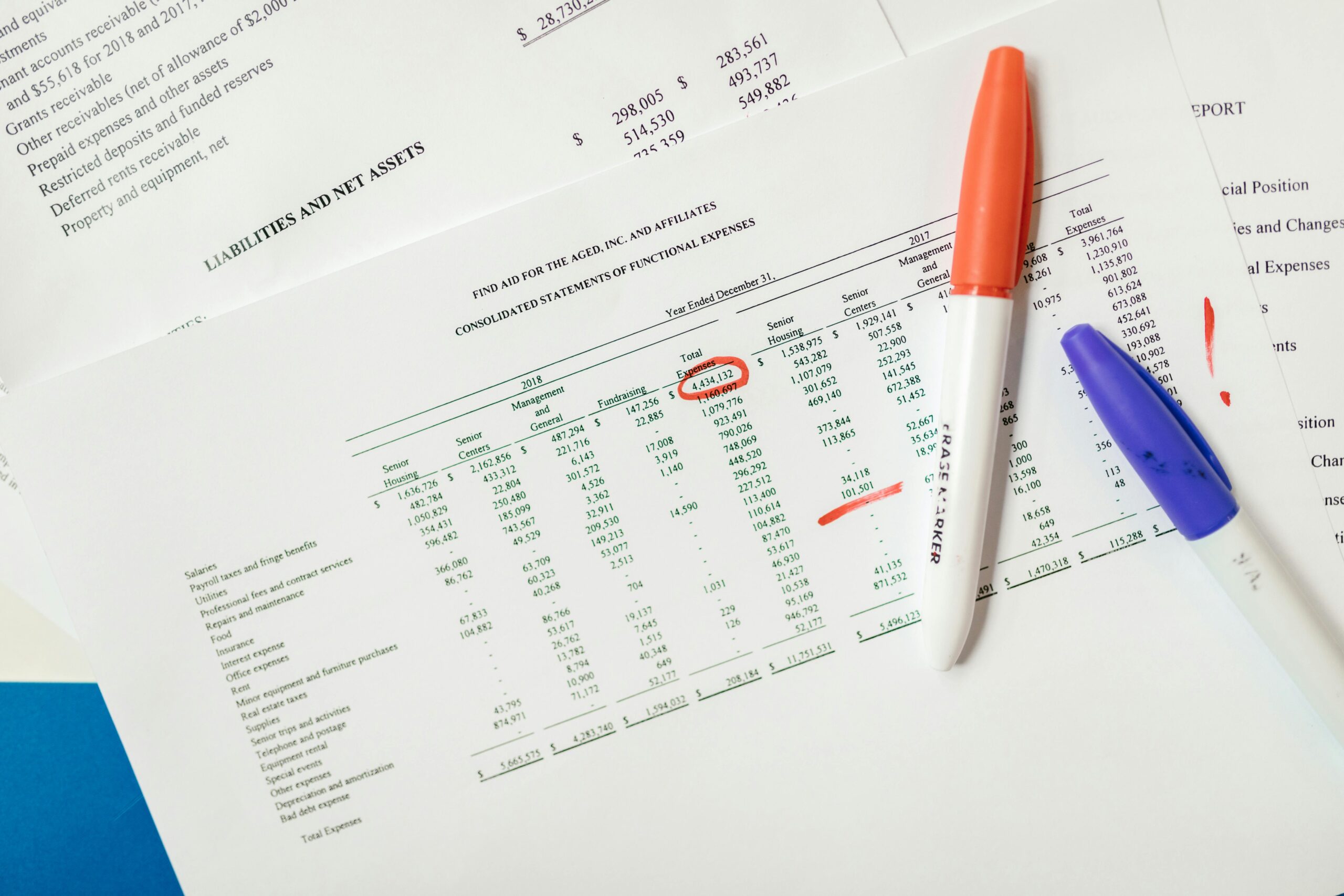
Struggling with inconsistent fonts, misaligned margins, and chaotic formatting? Discover how to achieve professional, flawless document design without the tedious manual work.

🎯 Why Document Consistency Matters More Than You Think
In today’s fast-paced digital world, the quality of your documents speaks volumes about your professionalism and attention to detail. Whether you’re preparing business proposals, academic papers, marketing materials, or internal reports, consistency in formatting isn’t just about aesthetics—it’s about credibility, readability, and efficiency.
Studies show that well-formatted documents are 47% more likely to be read completely compared to those with inconsistent styling. When readers encounter a document with varying fonts, irregular spacing, or mismatched headings, their brain subconsciously registers it as unprofessional or unreliable. This cognitive dissonance can undermine even the most brilliant content.
Manual formatting presents several critical challenges that professionals face daily. You spend hours adjusting individual paragraphs, only to discover that copying and pasting content disrupts your carefully crafted layout. Collaborating with team members becomes a nightmare when everyone applies their own formatting preferences. Version control turns chaotic as different iterations showcase wildly different visual styles.
🔍 The Hidden Costs of Manual Formatting
Time is your most valuable resource, yet manual formatting silently drains it away. Research indicates that knowledge workers spend approximately 2.5 hours per week—roughly 130 hours annually—on formatting tasks that could be automated. That’s more than three full work weeks lost to adjusting margins, standardizing fonts, and aligning elements.
Beyond time investment, inconsistent formatting creates tangible business risks. Client-facing documents with formatting errors can cost you contracts. Internal documentation that’s difficult to navigate reduces team productivity. Academic papers with inconsistent citation styles face rejection. Marketing materials that lack visual cohesion fail to convert prospects into customers.
The psychological toll shouldn’t be underestimated either. The frustration of fighting with formatting tools, the anxiety of sending imperfect documents, and the mental fatigue from repetitive manual tasks all contribute to workplace stress and burnout. These invisible costs compound over time, affecting both individual performance and organizational effectiveness.
✨ The Power of Style-Based Formatting Systems
Style-based formatting represents a paradigm shift in document design. Instead of manually applying formatting to each element, you define styles once and apply them systematically throughout your document. Think of it as creating a visual vocabulary for your content—headings, body text, captions, and special elements each have predetermined formatting rules.
Modern word processors like Microsoft Word, Google Docs, and LibreOffice offer robust style systems that remain underutilized by most users. These tools allow you to create custom style sets that reflect your brand identity, organizational standards, or personal preferences. Once configured, applying consistent formatting becomes a single-click operation rather than a multi-step manual process.
The beauty of style-based systems lies in their cascading logic. When you update a style definition, every instance throughout your document updates automatically. Need to change all your headings from Arial to Calibri? Simply modify the heading style once, and watch your entire document transform instantaneously. This approach eliminates the tedious find-and-replace tactics that characterize manual formatting.
Building Your Custom Style Library
Creating an effective style library begins with understanding your document needs. Analyze the types of documents you produce regularly and identify recurring elements. Most professional documents require styles for main headings, subheadings, body text, bullet points, captions, quotes, and special emphasis.
Start by establishing your typographic hierarchy. Your heading levels should create clear visual distinction while maintaining harmonious relationships. Consider font size, weight, color, and spacing systematically. A well-designed hierarchy guides readers through your content naturally, improving comprehension and retention.
Color and spacing deserve special attention in your style definitions. Consistent spacing between paragraphs, before and after headings, and around lists creates visual rhythm that enhances readability. Color should be used purposefully—whether for branding, emphasis, or navigation—and applied consistently through your style system rather than ad-hoc manual selection.
🚀 Template Power: Your Secret Weapon for Instant Consistency
Templates take style-based formatting to the next level by providing pre-configured document structures. A well-designed template includes not just styles, but also page layouts, header and footer configurations, table formats, and even placeholder content that guides users toward proper document structure.
Organizations that implement template libraries report dramatic improvements in document quality and production speed. New team members can produce professional documents immediately without extensive training. Brand consistency improves across all communications. Quality control becomes simpler because everyone starts from the same foundation.
Creating effective templates requires strategic thinking about document purpose and workflow. A proposal template differs significantly from a report template or a newsletter template. Each serves distinct communication goals and requires tailored structural elements. Invest time in developing templates for your most common document types, and you’ll reap efficiency dividends for years.
Template Best Practices That Deliver Results
Successful templates balance flexibility with structure. They should provide enough guidance to ensure consistency while allowing customization for specific use cases. Include clear instructions or placeholder text that explains how different sections should be used. This documentation-within-the-document approach reduces confusion and improves adoption.
Version control for templates is crucial yet often overlooked. Establish a centralized template repository where team members access the current versions. Implement a clear naming convention that includes version numbers or dates. When templates are updated, communicate changes clearly and provide training if necessary.
Test your templates thoroughly before widespread deployment. Create sample documents using real content to identify issues with spacing, page breaks, or style interactions. Gather feedback from actual users and iterate based on their experiences. A template that works beautifully in theory but frustrates users in practice serves no one.
🛠️ Tools and Technologies That Simplify Formatting
The modern digital ecosystem offers numerous tools designed to eliminate formatting headaches. Beyond traditional word processors, specialized applications focus specifically on document design consistency. Understanding which tools serve which purposes helps you build an efficient document production workflow.
For collaborative environments, cloud-based document platforms like Google Workspace or Microsoft 365 provide real-time editing with built-in version control. These platforms prevent the formatting chaos that occurs when multiple people edit offline copies that later require manual merging. Changes are tracked, conflicts are flagged, and everyone works from a single source of truth.
Design-focused tools like Canva have democratized professional document design for non-designers. While they excel at marketing materials and presentations, their template systems offer valuable lessons about consistency. The constraint-based approach—where users work within defined design parameters—naturally promotes visual coherence while still allowing creative expression.
Automation Tools That Work While You Sleep
Document automation platforms take consistency to industrial scale. Tools like PandaDoc, Templafy, or Conga Composer integrate with your data sources to generate formatted documents automatically. Contracts, proposals, reports, and invoices can be produced with perfect consistency, pulling information from CRM systems, databases, or spreadsheets without manual data entry.
Scripting and macro capabilities in word processors unlock powerful automation possibilities. Microsoft Word’s VBA macros or Google Apps Script can automate repetitive formatting tasks, apply complex formatting rules, or even generate entire document sections based on user input. While requiring some technical knowledge, these tools deliver enormous efficiency gains for high-volume document production.
PDF accessibility and tagging tools ensure your documents meet modern accessibility standards. Properly structured PDFs with semantic tagging improve compatibility with screen readers and assistive technologies. Tools like Adobe Acrobat Pro or CommonLook provide interfaces for adding structural tags, alternative text, and reading order information that manual formatting alone cannot achieve.
📊 Structured Data and Semantic Markup
Understanding the difference between visual formatting and semantic structure revolutionizes how you approach document design. Visual formatting addresses how content appears, while semantic markup defines what content means. Modern document standards emphasize semantic structure because it enables accessibility, searchability, and format-agnostic content reuse.
When you apply a “Heading 1” style, you’re not just making text larger and bolder—you’re identifying it as a top-level heading in the document’s structural hierarchy. This semantic information allows screen readers to navigate efficiently, enables automatic table of contents generation, and supports search engines in understanding content organization. Manual formatting that only changes visual appearance loses these critical benefits.
Structured document formats like DOCX, ODT, and properly tagged PDF preserve semantic information alongside visual presentation. This dual-layer approach means your documents remain adaptable to different contexts. The same content can be rendered differently on mobile devices, large displays, or printed pages while maintaining its underlying meaning and organization.
Future-Proofing Your Documents Through Structure
Content structured semantically remains usable as technologies evolve. Documents created with proper semantic markup from the 1990s can still be accurately interpreted and reformatted today. In contrast, documents that rely solely on visual formatting tricks often break when opened in different applications or when technology standards change.
Machine learning and artificial intelligence increasingly rely on document structure to extract meaning. Properly formatted documents can be processed by AI systems for summarization, translation, information extraction, and categorization. As these technologies become more prevalent, semantically structured documents will unlock efficiencies that manually formatted documents cannot access.
Embracing semantic structure doesn’t mean sacrificing visual creativity. It means establishing structure first, then applying visual presentation in ways that respect and enhance that structure. This approach creates documents that are simultaneously beautiful, accessible, intelligent, and future-proof.
🎨 Design Principles That Elevate Professional Documents
Consistency doesn’t mean boring uniformity. Understanding fundamental design principles allows you to create documents that are both systematically consistent and visually engaging. These principles apply whether you’re formatting a simple letter or designing a complex annual report.
White space—the empty areas around and between content—is perhaps the most underutilized element in document design. Adequate margins, line spacing, and paragraph separation give content room to breathe. Documents crammed with text appear overwhelming and uninviting. Strategic white space improves readability, directs attention, and creates a sense of quality and professionalism.
Typographic hierarchy creates visual organization that mirrors content importance. Size, weight, color, and spacing work together to signal relationships between elements. Readers should immediately distinguish between main headings, subheadings, body text, and supporting elements without conscious effort. When hierarchy is ambiguous, readers expend mental energy on navigation rather than comprehension.
Color Psychology in Document Design
Color choices communicate mood, brand identity, and information hierarchy. Professional documents typically employ limited color palettes that reinforce rather than distract from content. Corporate documents might use company brand colors for headings and accents. Academic papers traditionally minimize color to focus attention on content. Marketing materials may employ vibrant colors to energize and engage.
Accessibility considerations should guide color decisions. Sufficient contrast between text and background ensures readability for users with visual impairments. Color shouldn’t be the sole method of conveying information since some readers experience color blindness. Combining color with other distinctions like font weight or icons ensures universal communication.
Consistency in color application matters as much as color choice itself. When blue indicates hyperlinks throughout a document, readers learn this convention and can navigate efficiently. Arbitrary color changes create confusion and undermine the visual logic that supports comprehension. Your style system should codify color usage to maintain this consistency effortlessly.
🌟 Building Your Personal Formatting Workflow
Mastering document consistency requires developing personalized workflows that match your specific needs and working style. There’s no universal solution, but certain practices consistently deliver results across different contexts and industries.
Begin every document project by selecting or creating an appropriate template. This single decision establishes your foundation for consistency and saves countless formatting decisions later. If no suitable template exists, invest time in creating one before diving into content creation. This upfront investment pays dividends immediately and continues benefiting future projects.
Separate content creation from formatting refinement. When drafting, focus on ideas and organization rather than visual appearance. Apply basic styles to maintain structure, but resist the temptation to perfect every visual detail mid-draft. This separation improves writing flow and ensures formatting decisions are made strategically rather than impulsively.
Quality Assurance Checks That Catch Formatting Issues
Develop a formatting checklist for final document review. Verify that all headings use proper styles rather than manual formatting. Check that spacing is consistent throughout. Confirm that fonts, sizes, and colors align with standards. Review page breaks and ensure they occur logically. Validate that any tables, images, or special elements follow formatting guidelines.
Use your word processor’s style inspector or reveal formatting features to identify inconsistencies. These tools show exactly what formatting is applied to selected text, making it easy to spot manual overrides or style inconsistencies. Regular use trains your eye to recognize formatting patterns and anomalies.
Peer review isn’t just for content—it’s valuable for formatting too. Fresh eyes spot inconsistencies that document creators miss through familiarity. Establish formatting standards for your team and include formatting quality in review criteria. This collective attention to consistency raises overall document quality and reinforces best practices.

🏆 Transforming Formatting From Burden to Competitive Advantage
Organizations that master document consistency gain measurable competitive advantages. Professional appearance builds client confidence and justifies premium pricing. Operational efficiency from reduced formatting time allows teams to focus on high-value activities. Brand consistency across all communications strengthens market position and recognition.
The transformation begins with mindset. View formatting not as tedious busywork but as strategic communication design. Every formatting decision either supports or undermines your message. Consistent, thoughtful formatting demonstrates respect for your audience and confidence in your content. It signals professionalism, attention to detail, and organizational competence.
Investing in formatting skills and systems delivers returns far exceeding the initial effort. The hours spent developing templates, configuring styles, and learning tools are recouped within weeks through improved efficiency. The quality improvements persist indefinitely, continuously reinforcing your professional reputation with every document you produce.
Document formatting mastery is achievable for anyone willing to move beyond manual formatting habits. The tools exist, the principles are learnable, and the benefits are immediate. By embracing style-based systems, leveraging templates, and applying sound design principles, you can say goodbye to formatting frustrations and unlock the flawless document design that distinguishes exceptional professionals from the rest. Your documents will look better, communicate more effectively, and require dramatically less time to produce—freeing you to focus on the work that truly matters.