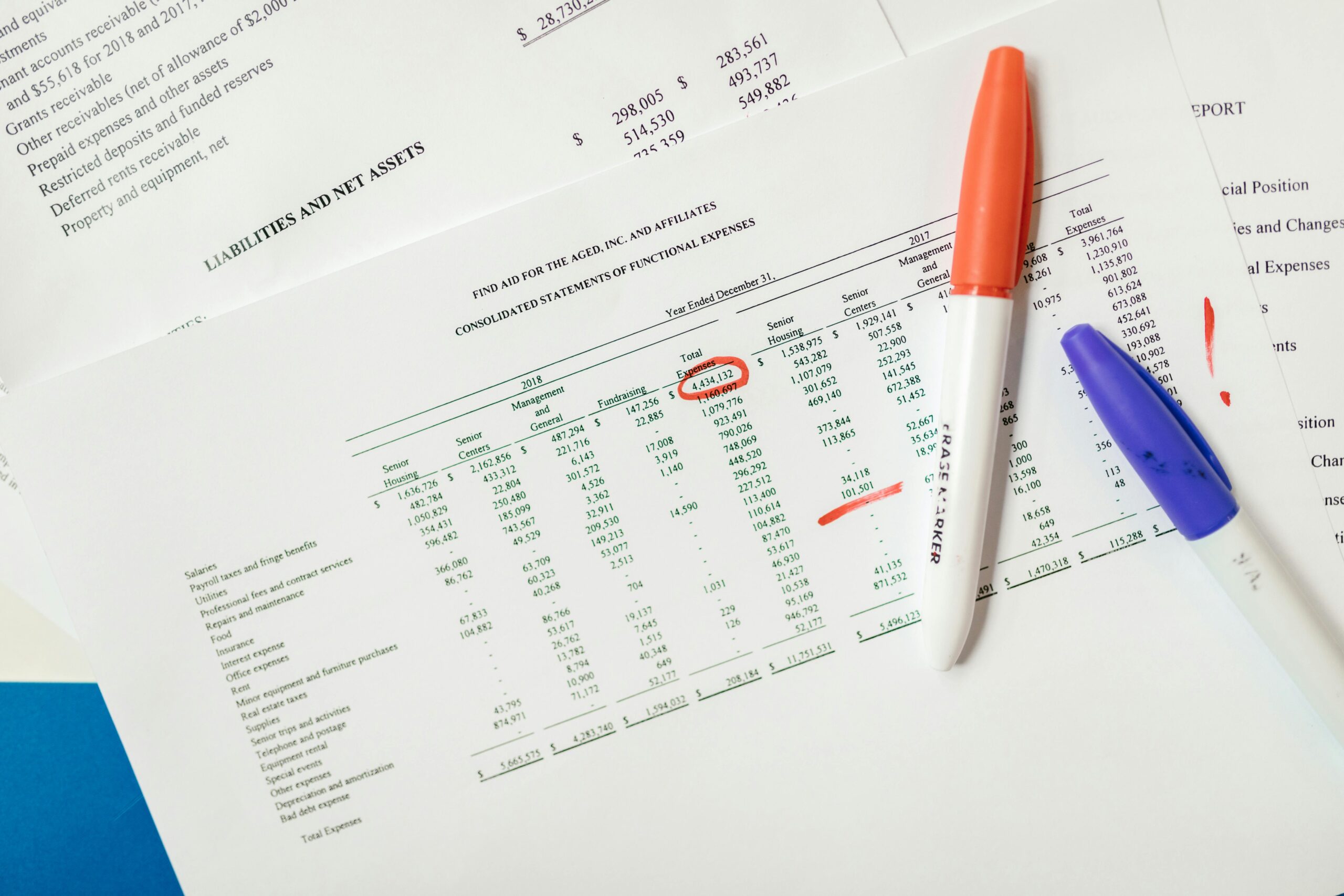
Creating impactful charts can consume hours of your workday, but mastering efficient techniques transforms this challenge into a streamlined process that delivers exceptional results.

In today’s data-driven business environment, professionals across industries face mounting pressure to transform raw numbers into compelling visual narratives. The challenge isn’t just creating charts—it’s doing so efficiently while maintaining quality standards that capture attention and communicate insights effectively. Many talented professionals find themselves trapped in repetitive formatting tasks, struggling with software limitations, and spending countless hours perfecting visuals that should take minutes to produce.
The reality is that chart creation doesn’t have to be a time-consuming ordeal. With the right strategies, tools, and workflows, you can dramatically reduce the time invested while simultaneously improving the quality of your data visualizations. This comprehensive guide reveals proven techniques that will revolutionize how you approach chart creation, helping you reclaim valuable time while producing stunning visuals that drive decision-making.
🎯 Understanding Why Chart Creation Takes So Much Time
Before diving into solutions, it’s essential to identify the root causes of inefficiency in chart creation. Most professionals encounter similar bottlenecks that unnecessarily extend their workflow and create frustration throughout the process.
The primary time-drains include manual data preparation, where inconsistent formatting and scattered information sources require extensive cleanup before visualization begins. Software learning curves present another significant obstacle, as most charting tools offer powerful features that remain hidden behind complex interfaces and unintuitive menus.
Design indecision represents a psychological barrier that many overlook. Choosing between chart types, color schemes, fonts, and layouts can paralyze productivity when you lack a systematic decision-making framework. Additionally, repetitive formatting tasks consume disproportionate time—adjusting axis labels, aligning legends, and applying brand guidelines manually for each new chart.
Template absence forces many professionals to start from scratch repeatedly, reinventing solutions to problems they’ve already solved. Finally, version management challenges arise when clients or stakeholders request revisions, requiring you to track changes and maintain consistency across multiple iterations.
⚡ The Strategic Framework for Efficient Chart Creation
Efficiency in chart creation begins with adopting a strategic framework that guides your entire process from conception to completion. This approach prioritizes planning over improvisation and systems over one-off solutions.
Start by defining clear objectives before opening any software. Ask yourself what specific insight the chart must communicate and who will consume this information. Understanding your audience’s technical sophistication and visual preferences prevents creating overly complex or inappropriately simplified visualizations.
Develop a personal chart selection matrix that matches data types and communication goals with optimal visualization methods. For comparison purposes, bar charts typically outperform alternatives. Time-series data naturally suits line graphs, while proportional relationships shine in pie charts or treemaps. Distribution patterns reveal themselves through histograms and box plots.
This decision-making framework eliminates the paralysis of choice and channels your energy toward execution rather than deliberation. By establishing predetermined rules, you transform chart selection from an artistic judgment into a systematic process.
🛠️ Mastering the Right Tools for Your Workflow
Tool selection dramatically impacts your chart creation efficiency, yet many professionals default to whatever software they learned first rather than evaluating alternatives that might better suit their needs.
Excel remains the workhorse for many professionals, offering familiarity and integration with existing data workflows. Its strength lies in quick exploratory analysis and straightforward chart types, though it demands significant manual formatting for publication-quality visuals. Power users can leverage PivotCharts and conditional formatting to accelerate common tasks.
Specialized data visualization platforms like Tableau and Power BI deliver superior efficiency for complex data relationships and interactive dashboards. These tools excel when working with large datasets requiring frequent updates, as their data connection features automate refresh cycles that would otherwise demand manual intervention.
For presentation-focused visuals, dedicated design tools such as Canva or Adobe Illustrator provide aesthetic polish that business intelligence platforms struggle to match. These applications suit situations where visual impact outweighs data complexity, such as infographics for marketing materials or executive summary presentations.
Programming-based solutions using Python libraries (Matplotlib, Seaborn, Plotly) or R (ggplot2) offer maximum flexibility and reproducibility. While requiring steeper initial learning investments, these approaches pay dividends when you need to generate similar charts repeatedly with different datasets or maintain absolute control over every visual element.
Mobile applications have also evolved considerably, with several offering surprisingly robust chart creation capabilities for professionals working on tablets. Tools like Microsoft Excel mobile, Google Sheets, and specialized charting apps enable productive work during commutes or when desktop access isn’t available.
📊 Data Preparation Techniques That Save Hours
Efficient chart creation begins long before you select your first visualization type—it starts with properly prepared data. Implementing systematic data preparation routines eliminates the most significant time-drain in the entire process.
Establish consistent data formatting conventions across all your source files. Standardize date formats, numerical precision, category names, and missing value indicators. This consistency allows you to apply templates and automated processes without encountering format-related errors that require troubleshooting.
Create data validation rules in your spreadsheets to prevent inconsistencies before they occur. Dropdown lists for categorical variables, numerical range restrictions, and required field indicators catch errors at entry rather than during visualization, when corrections prove far more disruptive.
Develop a library of data transformation scripts or formulas for common cleaning tasks. Whether you’re removing duplicates, calculating derived metrics, or pivoting data structures, reusable solutions eliminate repetitive manual work. Excel users benefit from Power Query for this purpose, while programmers can maintain Python or R scripts for standard transformations.
Implement a staging area approach where raw data flows into a standardized intermediate format before visualization. This buffer zone allows you to absorb variations in source data structure without modifying your downstream charting processes, providing stability even when data sources evolve.
🎨 Design Systems That Accelerate Visual Polish
Professional-looking charts share common design principles that you can systematize into reusable components, dramatically reducing the time spent on aesthetic refinement.
Build a personal or organizational style guide documenting specific choices for colors, fonts, spacing, and chart elements. This reference eliminates decision-making during creation and ensures consistency across all your visualizations. Include specific hex codes for colors, font names with size specifications, and guidelines for when to use different chart elements.
Color palette selection deserves particular attention, as color choices impact both aesthetic appeal and functional clarity. Establish primary palettes for sequential data (gradient progressions), diverging data (two-color scales meeting at a midpoint), and categorical data (distinct hues for unrelated categories). Consider colorblind-friendly alternatives to ensure accessibility.
Typography choices communicate professionalism and readability. Sans-serif fonts typically work best for charts, offering clarity at various sizes. Establish hierarchy through size rather than font family changes—title text at 16-18 points, axis labels at 10-12 points, and annotations at 9-10 points creates clear visual organization.
White space functions as a design element rather than empty void. Generous margins, adequate spacing between chart elements, and uncluttered layouts guide viewer attention to insights rather than overwhelming with visual noise. Resist the temptation to fill every available pixel with data or decorative elements.
⚙️ Template Systems and Automation Strategies
The most significant efficiency gains come from eliminating repetitive work through templates and automation. Building these systems requires upfront investment but delivers compound returns over time.
Create master templates for your most frequently produced chart types, pre-configured with your design standards and common data structures. These templates should include placeholder data that mirrors typical use cases, allowing you to simply swap in new information rather than reconstructing chart elements.
Excel users can save custom chart templates that preserve formatting, colors, and layout preferences. After perfecting a chart design, right-click the chart area and select “Save as Template” to make it available for future use. This single action eliminates dozens of formatting clicks on subsequent projects.
For recurring reports, explore automation options within your chosen tools. Excel macros can refresh data connections, update charts, and export images with a single button press. Power BI and Tableau offer scheduled refresh capabilities that keep dashboards current without manual intervention.
Version control becomes critical when working with templates and automated systems. Maintain organized file naming conventions that indicate template versions, creation dates, and project associations. Cloud storage with version history protects against accidental overwrites while allowing you to revert to previous configurations when needed.
📈 Advanced Techniques for Complex Visualizations
As your efficiency with basic charts improves, you’ll encounter situations demanding more sophisticated visualizations. Applying systematic approaches to these complex scenarios maintains your productivity gains.
Combination charts that display multiple data series with different chart types require careful planning to avoid visual confusion. Establish rules for when to employ dual axes (generally discouraged except when showing related metrics with vastly different scales), and always ensure that combined elements serve a unified narrative rather than simply cramming more information into limited space.
Interactive dashboards present unique efficiency challenges, as they require consideration of user experience flows beyond static visualization concerns. Wireframe your dashboard layouts before implementation, mapping out filter interactions, drill-down hierarchies, and navigation patterns. This planning prevents costly rework when user testing reveals structural problems.
Animated or transition-based charts for presentations demand additional production time but can dramatically enhance communication effectiveness. Balance this investment against your objectives—use animation when showing change over time or comparing scenarios, but avoid gratuitous effects that distract without adding insight.
🔄 Streamlining the Revision and Feedback Process
Chart creation rarely ends with your first version. Stakeholder feedback and iterative refinement consume substantial time unless you implement efficient revision workflows.
Establish structured feedback mechanisms that gather specific, actionable input rather than vague reactions. Provide context when sharing draft visualizations, explaining your design choices and the insights you intended to communicate. This framing focuses feedback on substance rather than subjective preferences.
Maintain non-destructive editing practices that preserve earlier versions while exploring alternatives. Save incremental versions rather than overwriting files, and use layer or version control features within your software to toggle between options without losing work.
Create annotation systems for tracking feedback and revisions. Whether using comment features within your software, separate documentation, or project management tools, maintaining clear records prevents confusion about which changes were requested, approved, or rejected.
💡 Continuous Improvement and Skill Development
Efficiency in chart creation isn’t a destination but an evolving practice that improves through deliberate skill development and process refinement.
Schedule regular reviews of your chart creation workflow, identifying bottlenecks and opportunities for improvement. Track the time invested in various stages—data preparation, chart creation, formatting, revisions—to pinpoint where efficiency gains would yield greatest impact.
Study exceptional data visualizations from news organizations, research institutions, and design firms. Analyze what makes these examples effective, and reverse-engineer techniques you can adapt to your context. Publications like The New York Times Graphics Department, FiveThirtyEight, and data visualization blogs showcase cutting-edge approaches worth emulating.
Invest in targeted skill development for your primary tools. Most professionals use only a fraction of their software’s capabilities, leaving efficiency gains on the table. Dedicated learning time—whether through video tutorials, online courses, or official documentation—compounds over your career through countless hours saved on individual projects.
Build a personal library of inspiration and reference materials. Bookmark exceptional examples, save tutorials addressing specific techniques, and compile a swipe file of color palettes, layouts, and design approaches. This curated collection accelerates decision-making when starting new projects.
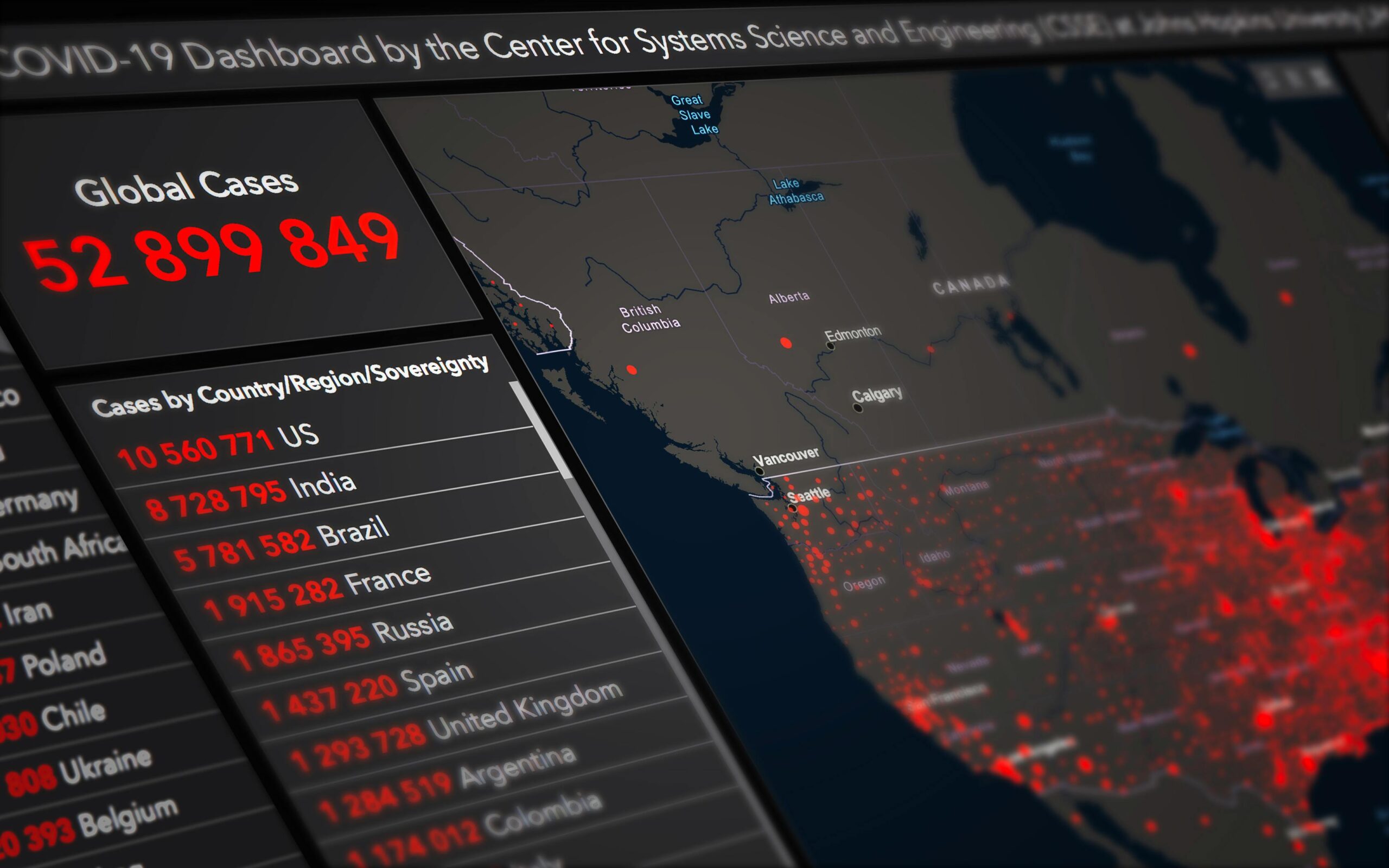
🚀 Transforming Your Chart Creation Workflow
The journey from time-intensive chart creation to efficient visualization mastery requires commitment to systematic improvement and willingness to invest in upfront preparation that pays ongoing dividends.
Begin by implementing the easiest high-impact changes first. Develop three template charts for your most common visualization needs this week. Standardize your data formatting conventions for the next dataset you encounter. Create a simple style guide documenting your color and typography choices.
These incremental improvements accumulate into transformative workflow efficiency. What once consumed entire afternoons shrinks to focused work sessions. Frustration gives way to satisfaction as you consistently produce polished visualizations that communicate clearly and compel action.
The most successful data visualization professionals don’t possess innate artistic talent or superhuman technical skills—they’ve simply developed systematic approaches that eliminate wasted effort and channel their energy toward high-value creative decisions. By mastering the foundations of efficient chart creation, you’re not just saving time; you’re unlocking capacity for deeper analysis, more strategic thinking, and greater professional impact.
Your data deserves visualization that matches its importance. Your time deserves processes that respect its value. The techniques outlined here provide the roadmap for achieving both, transforming chart creation from a dreaded chore into a streamlined practice that consistently delivers stunning results. The only question remaining is when you’ll start implementing these strategies and reclaiming hours currently lost to inefficient workflows. 📊✨